
Back from a trip with 2,000 photos? How to put your travel library to work (and clean it up)
Your photo library is the most complete travel log you own - and the biggest weight on your storage. Both problems can be solved in the same afternoon.
Every trip ends the same way: you’re home, suitcase unpacked at fifty percent, and the photo library has 2,000 new photos - of which roughly fourteen are actually good. The rest are three versions of the same sunset, a menu photographed “to remember later”, and a seventeen-shot burst of one wave.
Before you start deleting, it’s worth understanding what that pile really is: the most complete travel log you’ve ever written - without noticing.
Your photo library knows where you’ve been
Every photo taken with an iPhone (with location services on) carries, in its metadata, the place where it was made. The Photos app itself uses this: you can browse your library on a map, and each image’s details - place, date - appear when you swipe up on it, as Apple documents. That’s years of travel evidence, quietly accumulating, organised by no one.
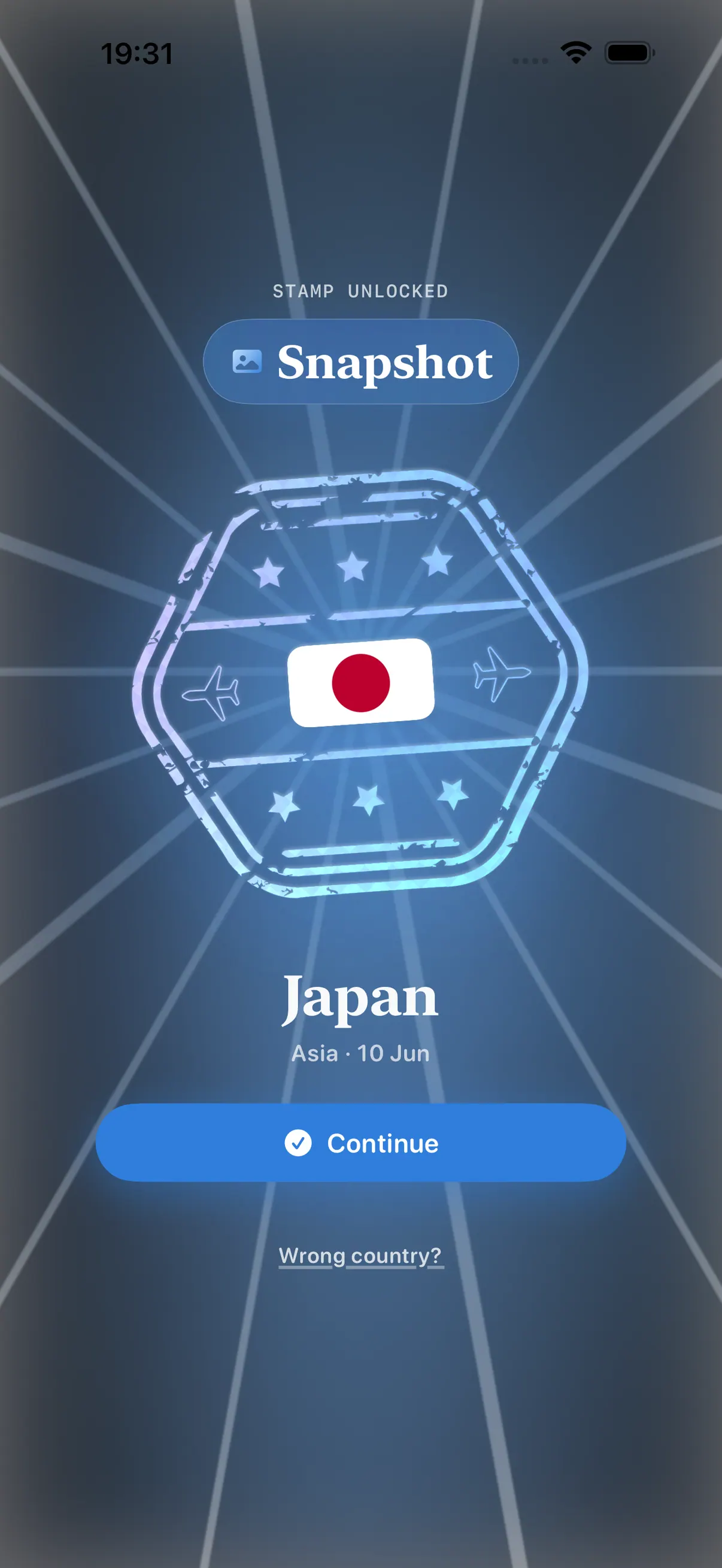
That’s exactly the evidence Stamp Hunt taps with its Snapshot tier: you pick a geotagged photo, the app resolves the country from the metadata, and the place becomes a stamp in your collection - the photo itself never leaves your device. In Stamp Hunt Brasil, the same read resolves the state.
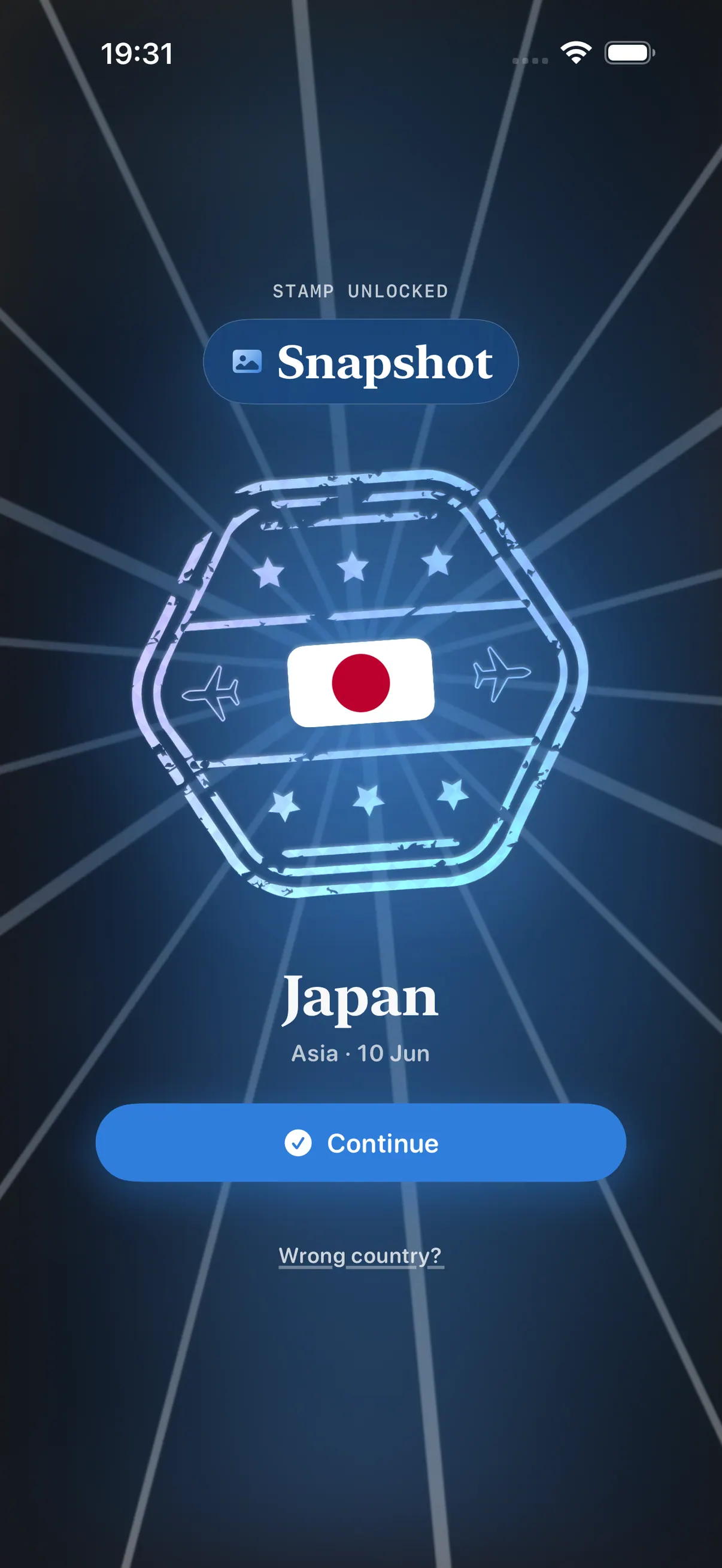
In practice, this means you can backfill years of map in one afternoon: open the library, dig out one photo from each old trip, and redeem the stamps. That beach from 2012 becomes a dated Snapshot - no one’s memory required. (If you’re building your country count from scratch, this guide walks the whole path.)
The clean-up part
Once the library’s been mined, the uncomfortable truth remains: most of those 2,000 photos don’t need to exist. Apple offers its own pressure valves - Optimize iPhone Storage keeps the full-resolution versions in iCloud with space-saving copies on the device, and iOS can merge duplicate photos to claw back space, as the support page describes. But free iCloud stops at 5 GB, and optimisation doesn’t fix the problem at the source: the excess itself.
That’s where GalleryCheckup comes in, another app of the house: it combs your library for duplicates, old screenshots and blurry shots so you can reclaim storage - fast, private, and entirely on-device, with no photo ever uploaded to any server. The clean-up that couch-scrolling never finishes, done with actual criteria.
The full workflow ends up rather elegant: come home, redeem the stamps from the good photos in Stamp Hunt, run GalleryCheckup over the rest - and arrive at the next trip with space to spare and the map up to date.
Sources
- Browse photos and videos by location on iPhone - Apple Support
- See photo and video information on iPhone - Apple Support
- Manage your photo and video storage - Apple Support
- Snapshot tier behaviour as described on the Stamp Hunt and Stamp Hunt Brasil pages; duplicate detection per the GalleryCheckup page.
Frequently asked questions
How do I find geotagged photos from my trips?
Any iPhone photo taken with location services on stores the place in its metadata, and the Photos app can browse your library on a map. Stamp Hunt's Snapshot tier reads that location to turn a photo into a stamp.
When I add a photo, does the image get uploaded?
No. Stamp Hunt reads only the country, or the state in Stamp Hunt Brasil, from the photo's metadata. The image itself never leaves your iPhone.
How do I free up storage after a trip?
After redeeming the stamps from your best shots, GalleryCheckup combs your library for duplicates, screenshots and blurry photos to reclaim space, entirely on device with no upload.
Is Stamp Hunt free?
It starts free for your first 10 country stamps, with a one-time purchase for unlimited and no subscription.